Cannot reliably recover obscured speech
Background noise, overlapping voices and low recording levels can hide words from the transcription tool.
Workaround
Check unclear passages against the original audio and mark anything you still cannot verify.
Audio transcription explained
If you are asking what is mp3 to text online, it means using a web-based transcription tool to turn speech in an MP3 recording into written words. The result is a transcript you can read, search, copy and edit. It saves you from typing every sentence yourself, but it is still worth checking names, numbers and unclear passages against the recording.
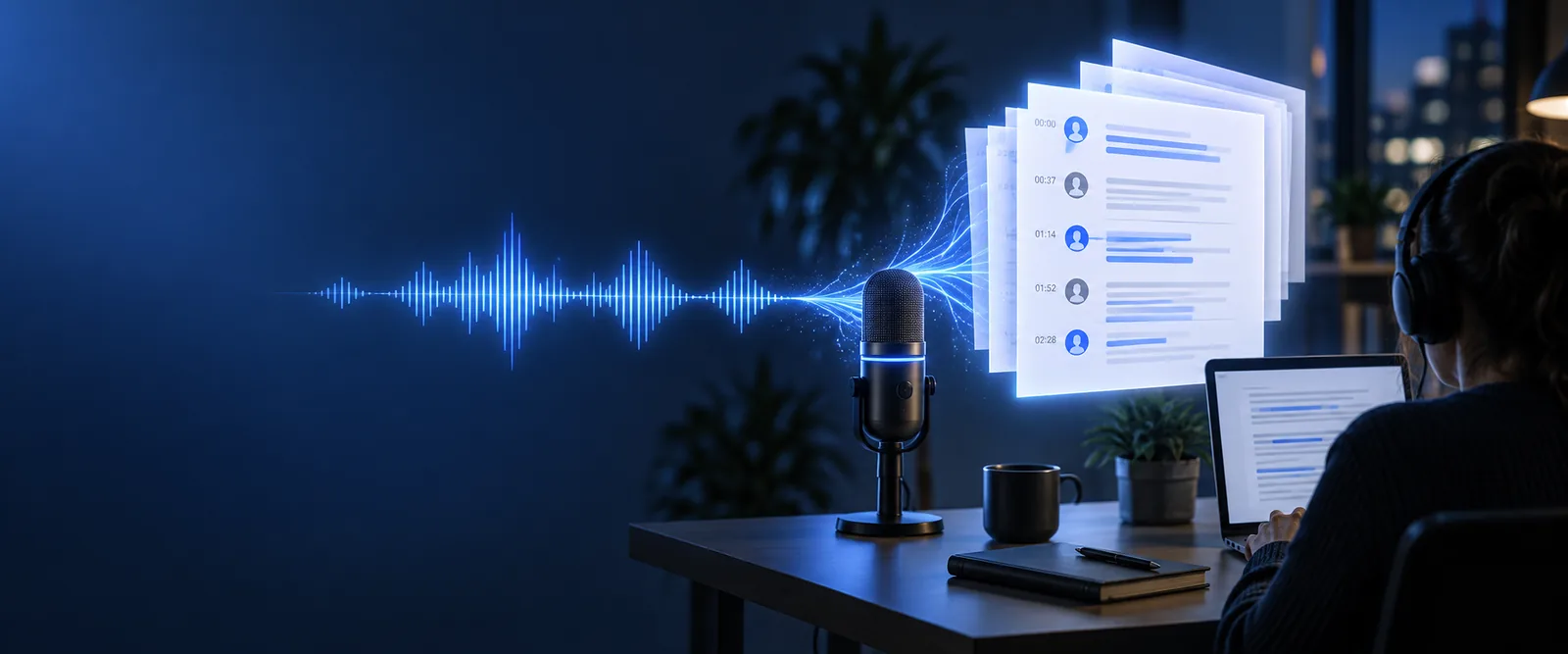
MP3 to text is the conversion of spoken audio stored in an MP3 file into a written transcript. “Online” describes where the conversion happens: you submit the file through a web tool rather than typing along as it plays. The output represents what the tool detects in the speech, not a verified record of everything that happened in the room.
An MP3 to text tool analyzes the sound in a recording and predicts the words being spoken. You do not need to understand the underlying speech-recognition model to use it, but the recording you provide makes a difference: clear voices give the tool more to work with than distant speech under music.
Choose an MP3 containing speech. Before submitting it, check that it is the right file and that you have permission to process its contents.
The online service processes the audio and produces text in speech order. Pauses, punctuation and speaker changes may be interpreted rather than reproduced exactly.
Listen again while correcting uncertain words, names and figures. You can then use the edited transcript for notes, a draft or a searchable reference.
MP3 to text can make a spoken recording easier to scan and quote. It cannot guarantee a perfect transcript or determine whether a speaker's statement is true. Treat the output as an editable first pass, especially when accuracy matters.
Background noise, overlapping voices and low recording levels can hide words from the transcription tool.
Workaround
Check unclear passages against the original audio and mark anything you still cannot verify.
A transcript may look fluent while spelling a person's name incorrectly or changing a figure.
Workaround
Compare proper nouns and figures with the recording or a trusted source.
MP3 to text records likely words; it does not reliably supply context, intent or a certified account of a conversation.
Workaround
Keep the audio available and have a person review material used for consequential decisions.
Students can review a permitted lecture recording, interviewers can find a quotation, and teams can draft notes from a spoken discussion. In each case, MP3 to text helps people locate and reuse speech without replaying an entire file for every detail. If the recording contains private information, decide whether an online service is appropriate before you submit it. Once you have the transcript, review it alongside the audio before sharing or relying on it.
Transcribe an MP3It means turning speech in an MP3 file into written text using a web-based tool. The text is usually a draft transcript, so review it before treating it as an exact record.
Speech transcription is designed to recognize spoken words, not to produce musical notation. If a recording contains music and speech together, the music may make the spoken words harder to detect.
No. A transcript represents detected words, while the recording also preserves tone, timing and sounds that may not appear in text. Keep the MP3 when those details matter.
Accents, quiet voices, unfamiliar names, overlapping speakers and background noise can all affect recognition. Punctuation is also inferred, so read the transcript while listening to any uncertain sections.
Check the words that matter most, particularly names, dates, numbers and quotations. Then edit the transcript for your purpose while retaining the original audio as a reference.