Mp3 To Text

See the result

Explore mp3 to text examples free of complicated setup

These mp3 to text examples free you to focus on the words, not the format. Compare a short recording with a sample transcript, then use the workflows below for your own audio.

Review the result before sharing
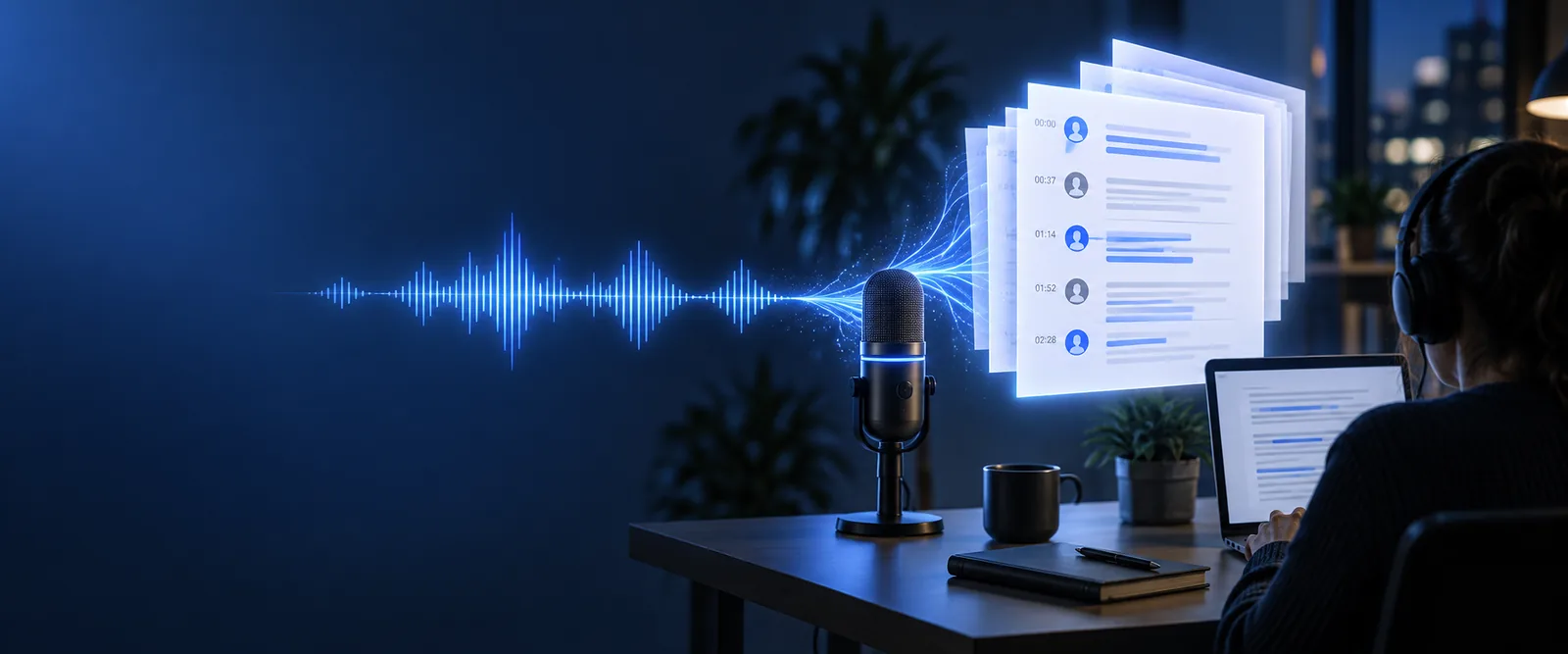
Mp3 To Text landing page imagery

the scenario's pain

A recording preserves the conversation, but finding one useful sentence can mean replaying the same minute repeatedly.

  1. 1

    Choose a short recording

    Start with an interview answer, lecture excerpt, or voice note with reasonably clear speech. A short sample makes it easier to compare the MP3 with the resulting text.

  2. 2

    Create a working transcript

    Send the recording for transcription and ask for the structure you need, such as paragraphs or speaker labels. Treat the first output as a draft, not a verified quotation.

  3. 3

    Check and reuse the words

    Replay names, numbers, and unclear passages. Correct the draft before quoting it, turning it into notes, or sharing it with anyone else.

3 concrete workflows

Choose a workflow by what you need to do after transcription: get started, prepare an editable document, or follow the conversion process.

example output

A useful free sample shows what transcription changes—and what a human still needs to verify.

Short MP3 excerpt
Working text draft

Spoken content

Short MP3 excerpt

“Let's meet Thursday at ten to review the first draft.”

Working text draft

Let's meet Thursday at 10:00 to review the first draft.

Pauses

Short MP3 excerpt

A short pause separates the time from the reason for meeting.

Working text draft

Punctuation makes the sentence easier to scan; it does not reproduce every pause.

Speaker

Short MP3 excerpt

One person speaks in this excerpt.

Working text draft

A speaker label can be added if the wider recording includes multiple voices.

Unclear word

Short MP3 excerpt

Background noise could obscure a name in a longer clip.

Working text draft

Mark the name as unclear and replay it; do not replace it with a plausible guess.

Time reference

Short MP3 excerpt

“Ten” depends on the surrounding conversation for context.

Working text draft

Check whether 10:00 accurately reflects the speaker's intended time.

Ready to share?

Short MP3 excerpt

The recording is the source for checking exact wording.

Working text draft

The text becomes shareable only after a person checks consequential details.

compliance notes

Free access does not remove your responsibility to handle recordings appropriately. Check consent, local rules, and the destination of sensitive audio before submitting it.

Student

You record a lecture and want searchable revision notes. Confirm recording is permitted, then check technical terms against the audio before studying from the transcript.

A readable study draft with uncertain terminology flagged for review.

what is mp3 to text online
Interviewer

You need a quotation from a recorded conversation. Confirm the interviewee's permission and replay the exact passage before publishing their words.

A draft that helps locate quotes without treating transcription as proof of accuracy.

mp3 to text vs transcribe

Meeting note-taker

You want decisions and action items from a team discussion. Follow your organization's recording rules, then verify names, owners, and dates.

Notes that distinguish confirmed actions from speech the draft did not capture clearly.

mp3 to text online free no sign up

Writer

You dictate rough ideas while walking. Keep a copy of the original audio and edit the transcript for readability without silently changing its meaning.

An editable starting point for an outline or article.

mp3 to word

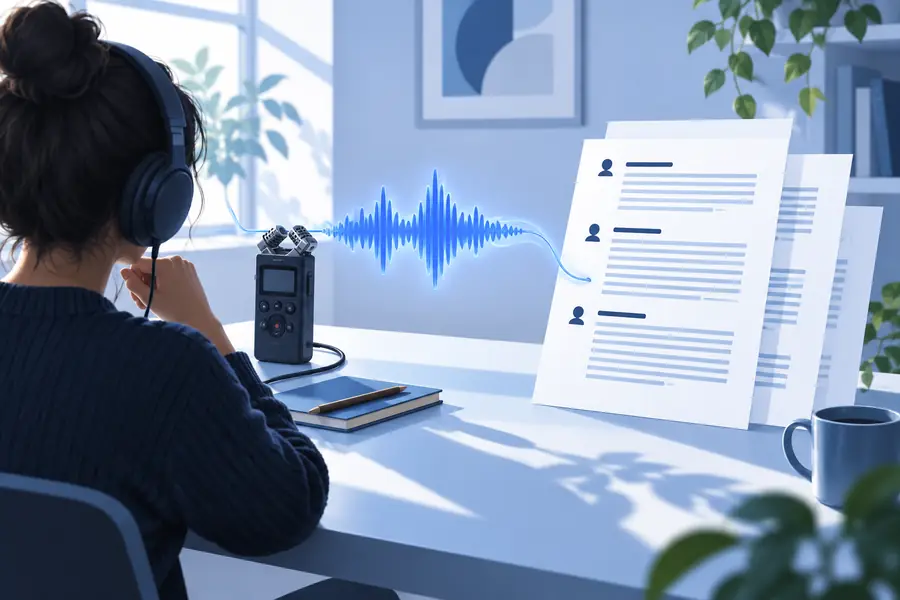
Before and after, at a glance

The example illustrates a shift from audio you must replay to text you can scan and correct; it is not a guarantee of verbatim accuracy.

Illustration associated with an MP3 transcription example Recording to review
Illustrative example output from the Mp3 To Text site Text draft to check
For a real recording, compare the draft against the audio before using names, figures, or direct quotations.

Try an example with your own recording

Make a transcript you can check

Start with a short MP3 whose contents you are allowed to submit. Ask for a plain transcript or speaker-labelled draft, then listen back while correcting uncertain words. A free example is most useful when it shows you where human review matters.

Transcribe my MP3
  • Keep the recording available for verification
  • Mark uncertain words rather than guessing
  • Review permissions before sharing the result

scenario FAQ

They show how spoken words can appear as a readable draft, sometimes with punctuation or speaker labels. An example may be tidier than your own result, especially if your recording has noise, overlapping speakers, or specialized vocabulary.

Yes. You can borrow its structure for interview notes, lecture summaries, or meeting records. Replace the sample wording with text checked against your own audio, and label anything you cannot verify.

Microphone placement, background sound, accents, and simultaneous speech all affect what can be heard. The example also may have been edited for readability, so compare your draft with the recording rather than expecting identical formatting.

Do not assume so. Replay the relevant passage and verify names, numbers, and exact wording before attributing a quote to someone. If the passage remains unclear, avoid presenting a guess as their words.

That depends on the permission you have, applicable rules, and how the audio will be handled. Confirm that recording and submitting it are appropriate before you proceed, particularly when it contains personal or confidential information.

Transcribe MP3
Transcribe MP3