Student
A lecture recording contains a definition you need to find again before an exam.
Search the draft for key terms, then replay the matching passage to confirm the wording.
how to use mp3 to text onlineFree transcription
Turn an MP3 recording into words you can search, quote, or revise. Mp3 To Text helps you start with a transcript instead of typing every sentence yourself; you should still check names, numbers, and unclear speech.
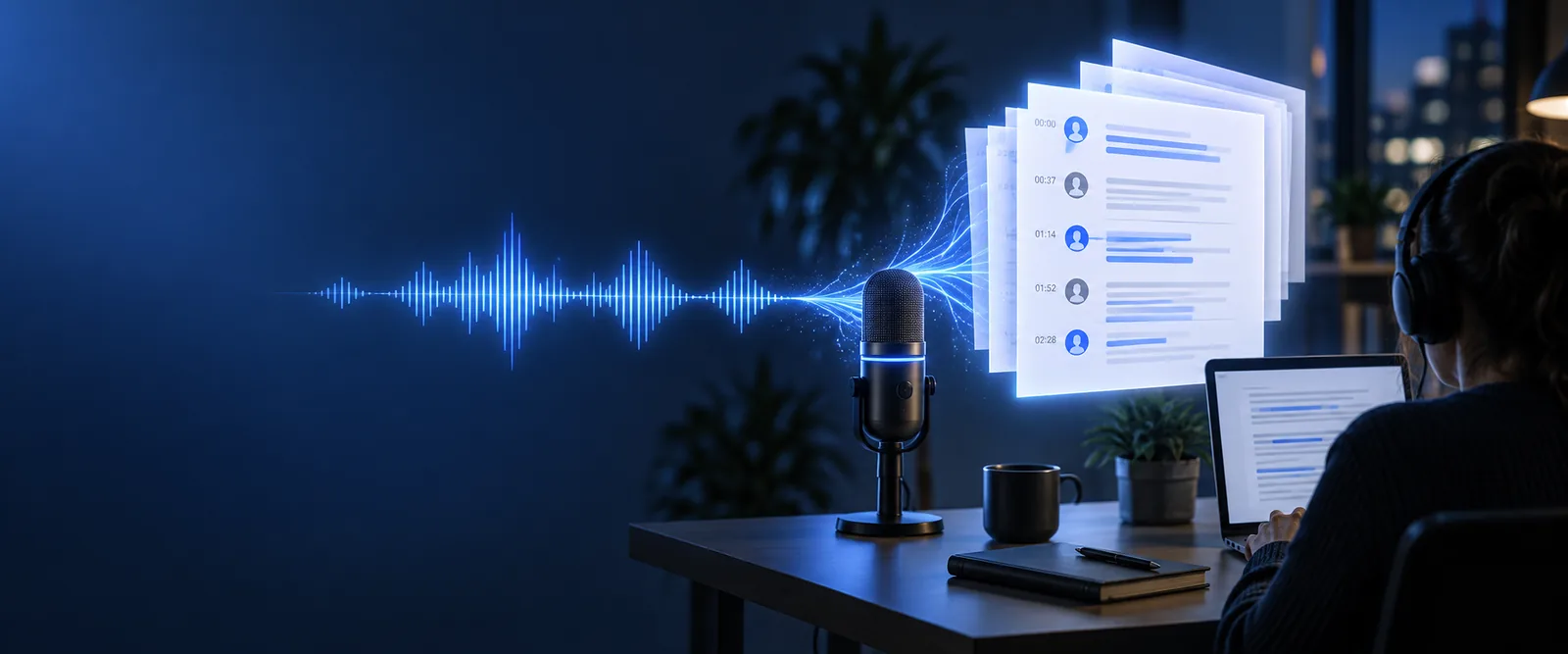
A transcript makes spoken material easier to find and revise. The best starting point depends on whether you need a quick draft, a specific output, or help with a recording.
Searchable words, editable sentences, and a draft you can reuse solve different problems for different listeners.
A lecture recording contains a definition you need to find again before an exam.
Search the draft for key terms, then replay the matching passage to confirm the wording.
how to use mp3 to text onlineAn interview has several quotes you may want to use in an article.
Locate possible quotes in the text, then verify each one against the audio before publication.
mp3 to text examples freeA recorded discussion needs an editable summary for people who could not attend.
Use the transcript as source material, but confirm who agreed to each action.
mp3 to text online free no sign upA spoken brainstorm has ideas worth moving into a document.
Pull the useful passages into an outline without treating every filler word as final copy.
mp3 to wordThe handoff is straightforward; checking the draft is the part that makes it dependable.
Use the original recording when possible. Listen briefly for missing audio, long stretches of noise, and voices that are too faint to understand.
Open the transcription tool and provide your MP3. If it accepts instructions, specify whether you want verbatim wording, readable punctuation, or cautious speaker labels.
Compare uncertain passages with the recording, especially names, dates, numbers, and quotations. Then copy the corrected text into your notes or document.
A free transcription draft is a starting point, not proof that every word was heard correctly. These cases deserve a closer listen.
Traffic, music, or a distant microphone can mask consonants and cause missing or incorrect words.
Workaround
Use a cleaner recording if available and replay uncertain stretches while editing.
When people talk at once, a transcript may merge their words or assign speech to the wrong person.
Workaround
Check speaker changes against the audio and remove labels you cannot verify.
Uncommon names, acronyms, and specialist vocabulary may be replaced with familiar-sounding words.
Workaround
Check spellings against your source material rather than trusting the draft.
Accepted file sizes, recording lengths, and available features can vary by tool; this page does not establish a universal allowance.
Workaround
Check the tool's current file requirements before submitting a long recording.
Neither approach removes the need to understand the recording. Choose based on how much editing the audio is likely to require.
Starting point
Automatic first draft
Generated text to inspect and correct
Manual transcription
A blank document and the recording
Typing effort
Automatic first draft
Focused on corrections and formatting
Manual transcription
Every word must be entered
Clear speech
Automatic first draft
Useful for producing a reviewable draft
Manual transcription
Requires listening and typing throughout
Unclear speech
Automatic first draft
May guess or omit words
Manual transcription
Lets you mark uncertainty as you listen
Speaker labels
Automatic first draft
Need checking, especially during interruptions
Manual transcription
Can be assigned while following the conversation
Names and figures
Automatic first draft
Must be checked against the audio or another source
Manual transcription
Can be checked during transcription
Final use
Automatic first draft
Best treated as a draft until reviewed
Manual transcription
Also needs proofreading before sharing
Try mp3 to text free when you need an editable starting point for notes, quotes, or an outline. Submit a clear recording, keep your instructions simple, and review the passages that matter before you rely on them.
Transcribe my MP3Free transcription options can provide an editable first draft, but their current file and usage limits may differ. Check the tool's requirements before submitting your recording, and review the output against the audio.
Do not quote an unchecked draft. Replay the relevant passage and confirm the exact words, speaker, and context before publishing or sharing a quotation.
Listen to the missing passage again, preferably with headphones, and add only what you can hear. If the recording remains unclear, mark the passage as uncertain rather than inventing a word.
An editable transcript can be copied into a document for notes, an outline, or further revision. Correct names and numbers first, and format the text for its intended readers.
Yes. Noise can obscure speech and lead to substitutions or gaps in the draft. A clearer source recording and a careful listen to uncertain passages will help you correct it.